BTCPay, the shop, POS, two wallets, mempool, the node. The till should not be a pile of bookmarks.
Too many links
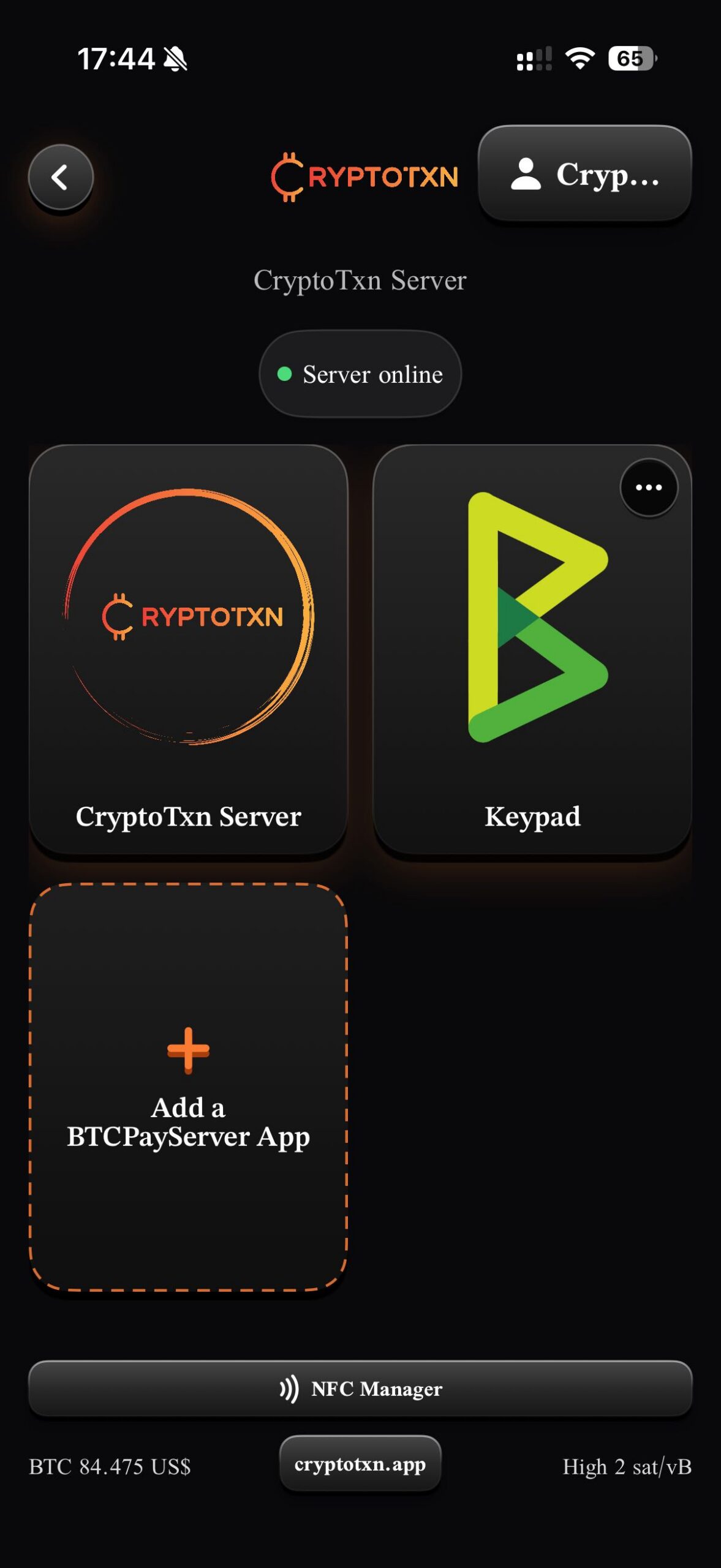
BTCPay, POS, shop, wallets, mempool, node.
Wallet POS leaks power
A simple wallet at the register often means staff can open the money.
No single status
Is the instance online? Is the chain synced?
Employees take payments. They never see the money.
Logs and dashboards stay on the owner side. They do not sit on the till phone.
Simple wallet POS
Device holds or opens a wallet
Staff can reach balances
One app trying to be cash register and vault
CryptoTxn
No coins in the app
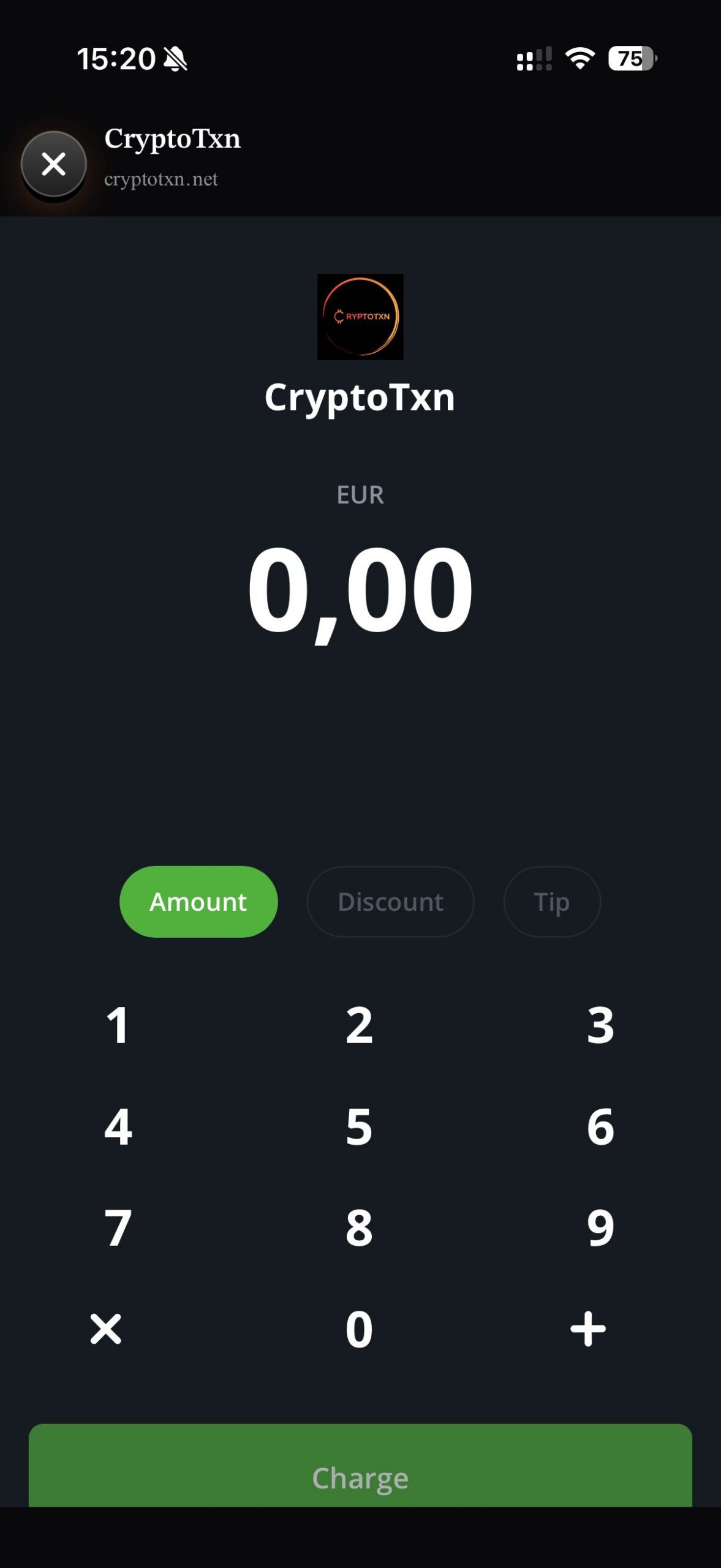
Staff PIN opens the POS keypad only
Owner keeps BTCPay admin, Blink, Blue Wallet, logs
You decide which tiles staff can tap. Default is POS only.
Lock the phone to the app with Guided Access. See Support.
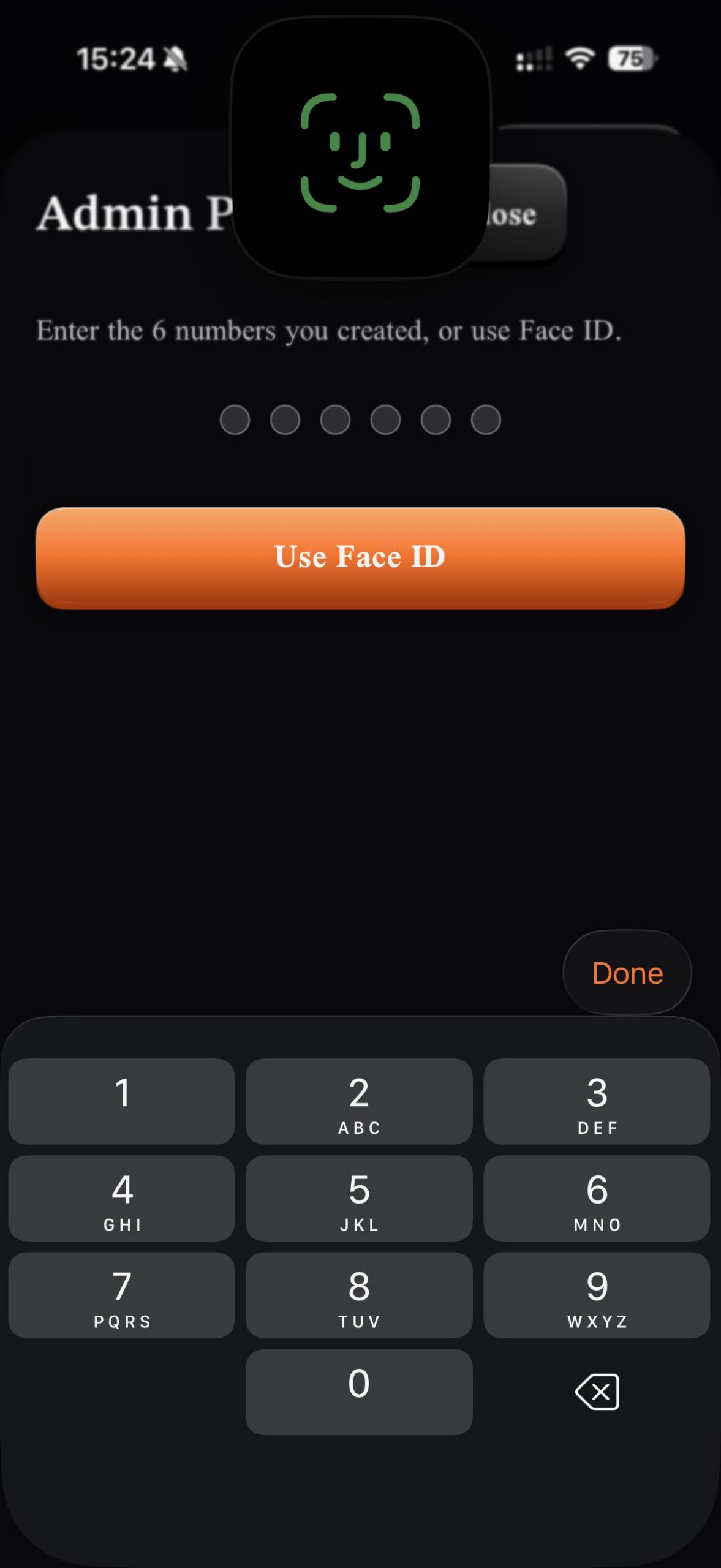
Admin PIN and Face ID for admin and wallets.
Staff PIN opens the POS keypad.
Your instance. Your rules.
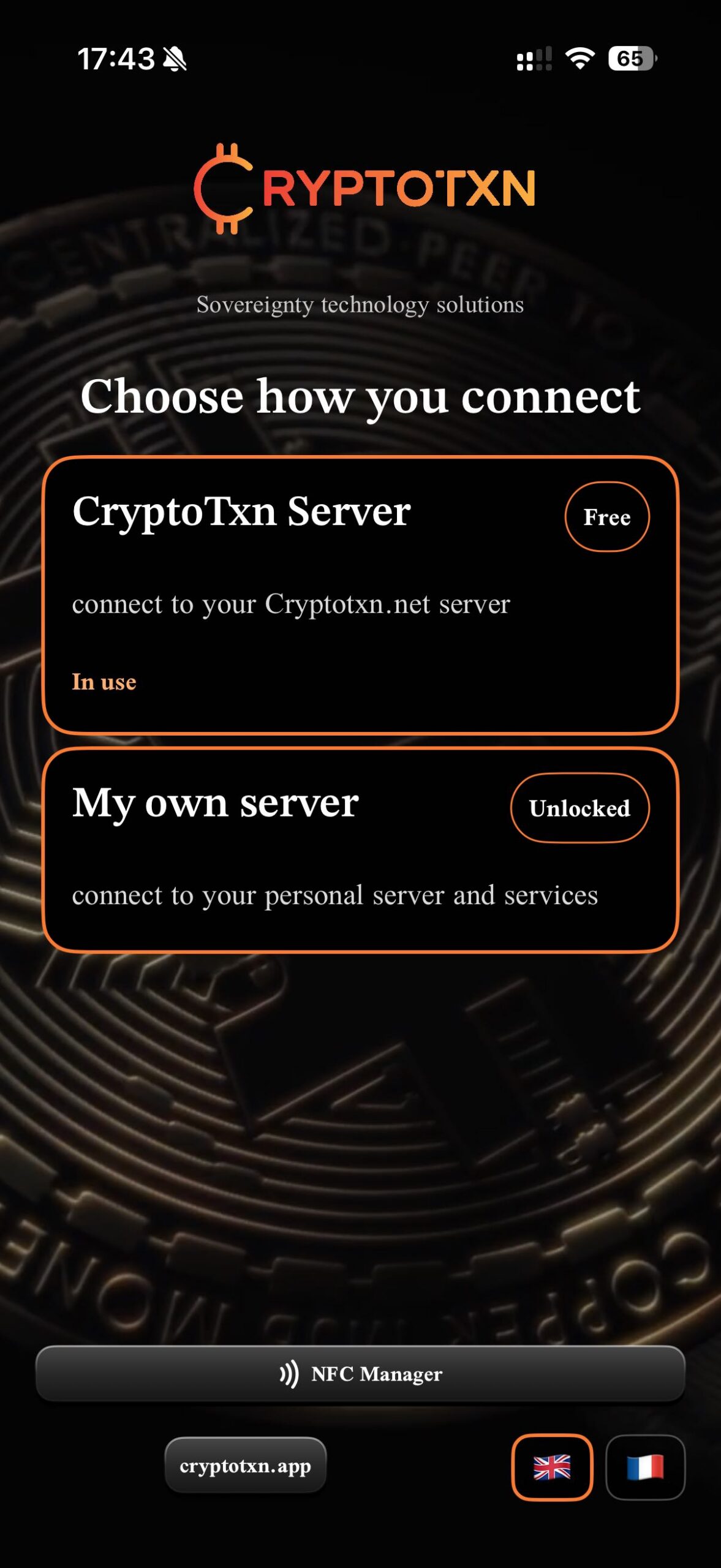
You choose the stack. Hosted instance or your own server. Your URLs.
Hosted by CryptoTxn
Free
Public instance at cryptotxn.net. Same grid: admin, POS, shop. Plugins are limited to those on your instance, plus the NFC Manager.
My own server
One-time €9.99
Paste your BTCPay URL. Optional local URL and onion URL. Status comes from /api/v1/health. Extra tiles for Umbrel, mempool, Public Pool, Cloudflare, anything you host.
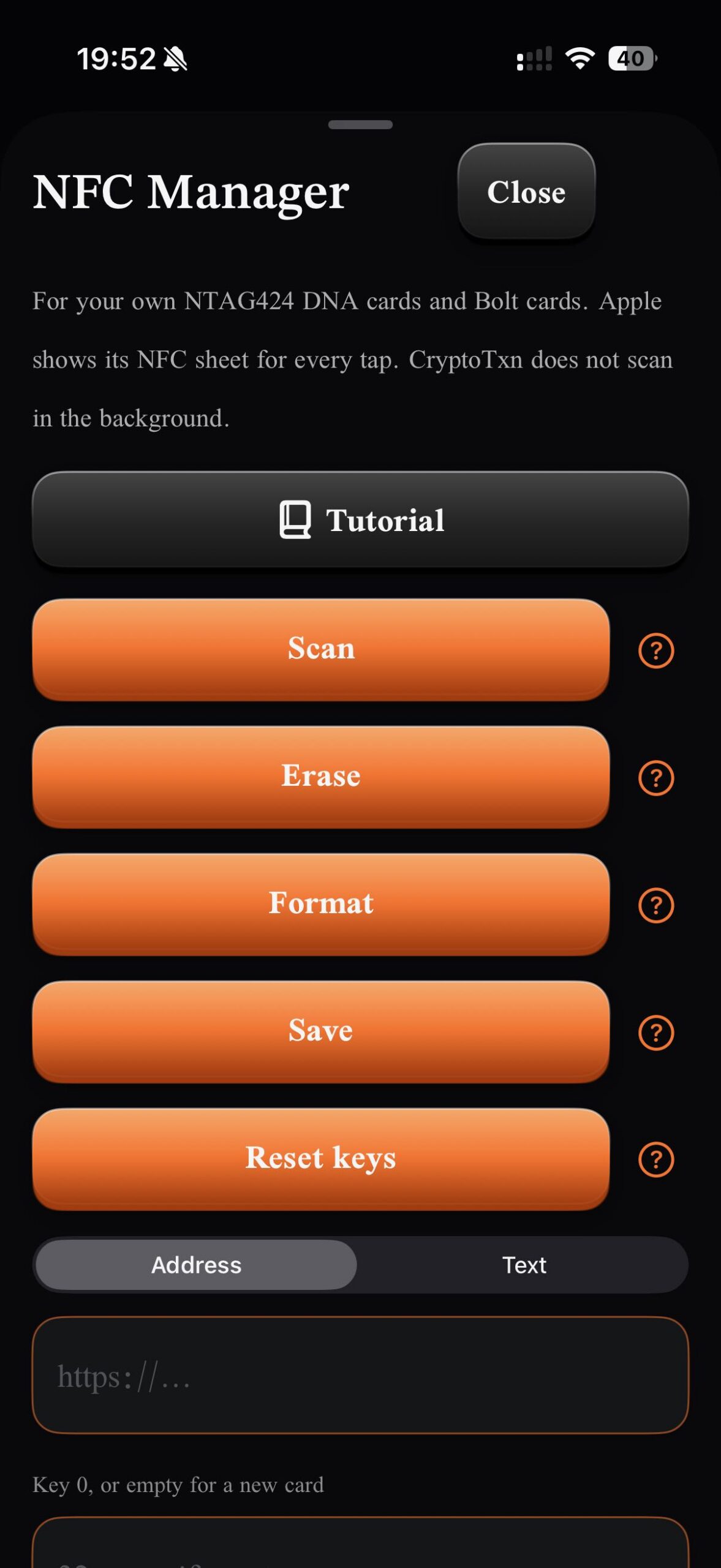
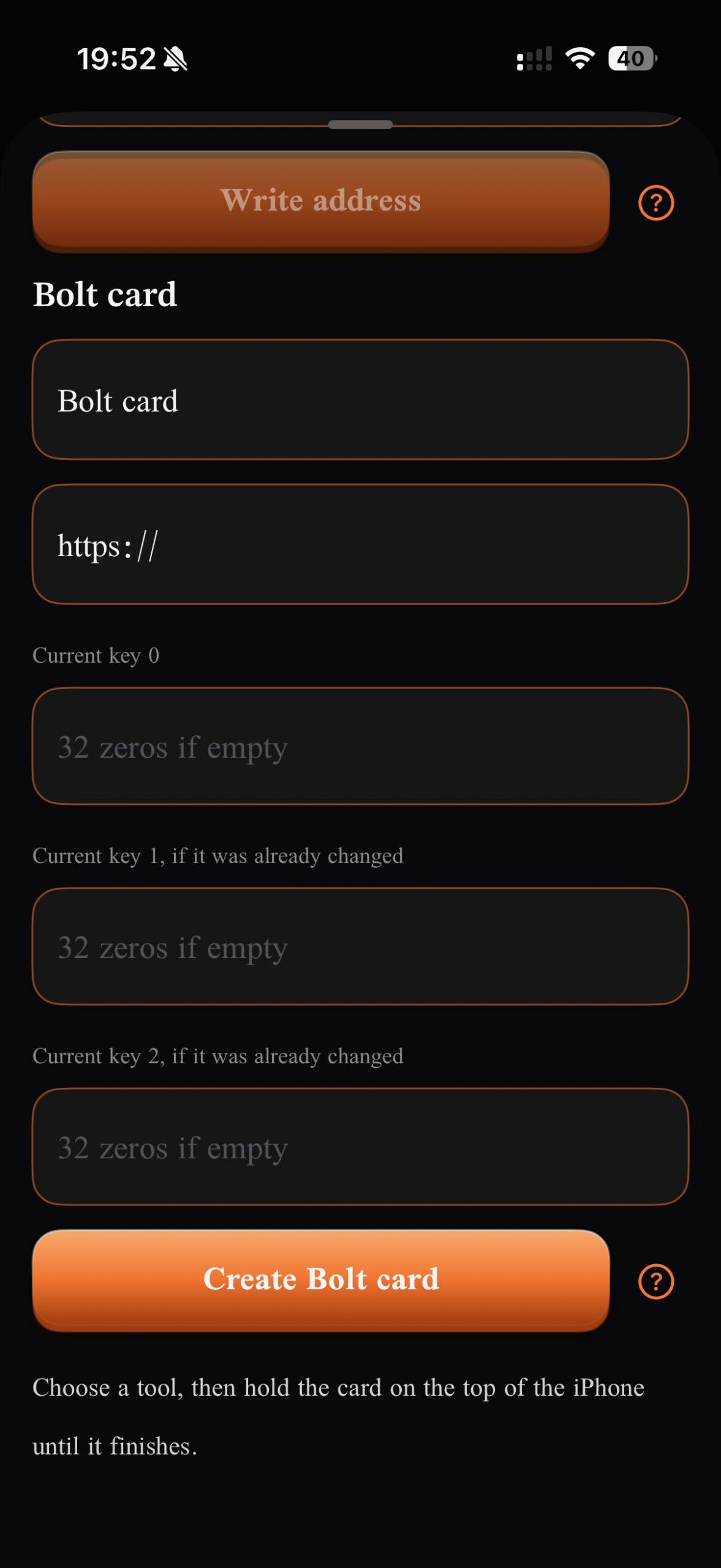
Bolt cards from the owner’s phone.
Write, read, and format Bolt cards for the backend you already run — LNbits, or the Boltcard Factory on your BTCPay Server.
NFC Manager
Owner only
Face ID first, then your 6-digit admin PIN. Never the device passcode.
Card keys are stored in the iOS Keychain on that iPhone. They are not in the app’s saved data, backups, or usage log. CryptoTxn has no access to them.
The app runs no server and no Lightning backend.
New phone?
Keys do not move automatically
Copy them by hand from the old phone or from your backend. Support →
One place for every server you run.
One app for every server link. Add BTCPay, the shop, mempool, Umbrel, Public Pool, or any custom https service. Stop hunting bookmarks.
BTCPay Server
Blue Wallet
mempool
Public Pool
Website
LNbits
Lightning
Bitcoin Core
Bitcoin Knots
Fulcrum
Ride The Lightning
RoboSats
Bitaxe
Bisq
Monero
Bassin
Add any https service. Marks belong to their owners. CryptoTxn is not affiliated with those projects.
How it works
01
Choose hosted (cryptotxn.net) or your own server.
02
See instance status — online and synced.
03
Set admin PIN and staff PIN.
04
Hand the phone to the till.
Who it’s for
Merchants charging in Bitcoin with BTCPay.
CryptoTxn hosting clients.
Anyone who runs a home server and a shop and is tired of bookmarks.